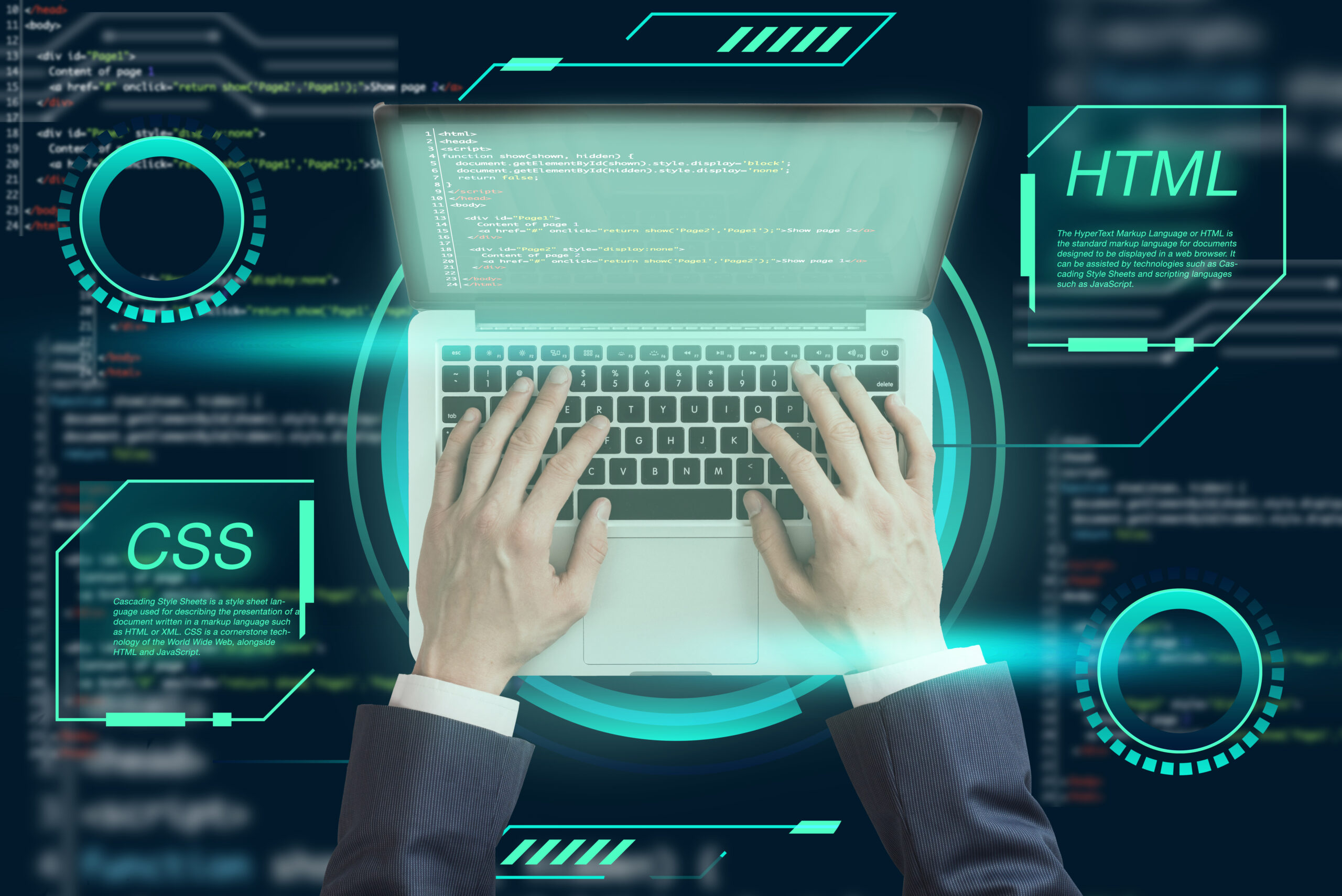
A Web Developer is a skilled professional responsible for creating and maintaining websites that are fast, user-friendly, and visually engaging. Whether you’re browsing an online store, reading a blog, or using a web application, a Web Developer is the person behind the scenes making sure everything functions smoothly. In today’s digital age, web development has become one of the most in-demand and rewarding career paths, especially for beginners eager to build stunning, responsive websites from scratch.
Table of Contents
What is a Web Developer?
A Web Developer is a professional who builds and maintains websites. They are responsible for the functionality, performance, and user experience of websites. Whether it’s a basic landing page or a dynamic eCommerce store, web developers turn designs into real, working websites using code and modern development tools.

Types of Web Developers
Front-End
-
Works on the visible part of the website (HTML, CSS, JavaScript)
-
Focuses on UI/UX
Back-End
-
Manages server-side logic, databases, APIs
-
Works with Node.js, PHP, Python, etc.
Full-Stack
-
Handles both front-end and back-end
-
Highly in demand
Why Become a Web Developer in 2025?
-
High demand in startups, agencies, and remote jobs
-
Excellent freelance and side-income opportunities
-
Entry-level learning curve with long-term growth potential
7 Powerful Skills Every Web Developer Needs
To become a successful Web Developer, it’s essential to master a blend of technical and soft skills. Whether you’re working on the front end, back end, or full stack, these seven core skills form the foundation of professional web development.
1. HTML & CSS
For every Web Developer, HTML (HyperText Markup Language) and CSS (Cascading Style Sheets) are the entry point into coding. HTML defines the structure of web pages, while CSS controls the layout and appearance. Without these two, no website can exist. Web Developers use HTML to create headings, paragraphs, images, and links, and CSS to make everything visually appealing. Mastering HTML and CSS is like learning the alphabet of the web.
2. JavaScript
JavaScript is the programming language that makes websites dynamic and interactive. A Web Developer uses JavaScript to build sliders, dropdowns, form validations, animations, and single-page applications (SPAs). JavaScript is also essential for working with popular frameworks like React, Vue, or Angular. Learning modern ES6+ syntax and asynchronous functions is a must for today’s developer.
3. Responsive Design
In today’s mobile-first world, a Web Developer must ensure that websites look and perform well on all screen sizes—from large desktop monitors to smartphones. Responsive design techniques, such as using flexible grids, media queries, and mobile-first design practices, are essential. Familiarity with frameworks like Bootstrap or Tailwind CSS can also speed up the responsive development process.
4. Version Control (Git & GitHub)
Every Web Developer should know how to manage changes in their codebase using Git, a version control system. Platforms like GitHub or GitLab allow developers to collaborate, store projects, and track code history. Version control is vital for working in teams and for rolling back mistakes safely. Understanding concepts like branches, commits, pull requests, and merges is key to professional development workflows.
5. Problem-Solving & Debugging
Being a Web Developer means constantly solving problems—whether it’s fixing bugs, optimizing performance, or implementing complex features. Strong analytical thinking and debugging skills are crucial. Learning how to interpret error messages, use breakpoints, and troubleshoot performance bottlenecks sets apart a good developer from a great one.
Tools Web Developers Use
6. Browser Developer Tools
All major browsers offer built-in developer tools. A skilled Web Developer regularly uses these tools to inspect HTML elements, test CSS rules, debug JavaScript, analyze network requests, and optimize performance. Familiarity with Chrome DevTools or Firefox Developer Edition can dramatically speed up your development and testing process.
7. Basic SEO Knowledge
Even though SEO isn’t a coding skill, it’s crucial for any Web Developer to understand the basics. A developer’s work directly impacts how search engines crawl, index, and rank a website. Clean code, fast loading times, mobile responsiveness, structured data, and semantic tags all contribute to better SEO. Knowing how to implement meta tags, image alt text, and proper heading hierarchy is part of the job.
-
VS Code – Free, powerful code editor
-
Git – Version control system
-
Figma – UI/UX design tool for front-end
-
Chrome DevTools – For debugging and testing
-
Postman – API testing tool
Career Paths
-
Freelancer: Work with global clients on platforms like Upwork
-
Agency Developer: Part of a team that handles multiple clients
-
Product Developer: Work in SaaS or startup companies
-
Tech Lead: Manage teams and project architecture
How to Start Learning Web Development
-
Start with free online courses on freeCodeCamp
-
Use YouTube tutorials (Traversy Media, Web Dev Simplified)
-
Take a structured course like The Odin Project
-
Build personal projects (portfolio, blogs, landing pages)
Resources & Internal Links
✅ External Do-Follow Links
-
MDN Web Docs – Official documentation for web standards
-
W3Schools – Beginner-friendly web development tutorials
-
freeCodeCamp – Free interactive coding platform
✅ Internal Links
Final Thoughts
Becoming a Web Developer is more accessible than ever before. With powerful tools, free learning resources, and high market demand, now is the perfect time to begin your journey. Focus on learning step-by-step, build projects, and stay curious.
FAQ
What does Web Development actually involve?
Web Development involves creating and maintaining websites and web applications. It includes tasks like writing code for layout and functionality, ensuring responsiveness across devices, optimizing performance, and fixing bugs. Web development can be divided into front-end, back-end, or full-stack roles, depending on which part of the website or application is being developed.
How long does it take to learn Web Development?
Learning Web Development typically takes between 3 to 12 months. This depends on your commitment and the learning resources you choose. Online courses, coding bootcamps, and self-paced tutorials can help you become proficient in 6–9 months. Practical experience, like building real-world projects, is key to mastering web development.
Is a degree necessary to start a career in Web Development?
No, a formal degree is not required to start a career in Web Development. Many successful developers are self-taught or come from non-traditional backgrounds. What truly matters is your coding ability, problem-solving skills, and portfolio of completed projects. Certifications, bootcamps, and freelance experience can help you stand out to employers.